Blog / November 11, 2026
GTA VI Pre-Load Guide: Download Size, Start Times and How to Get Ready
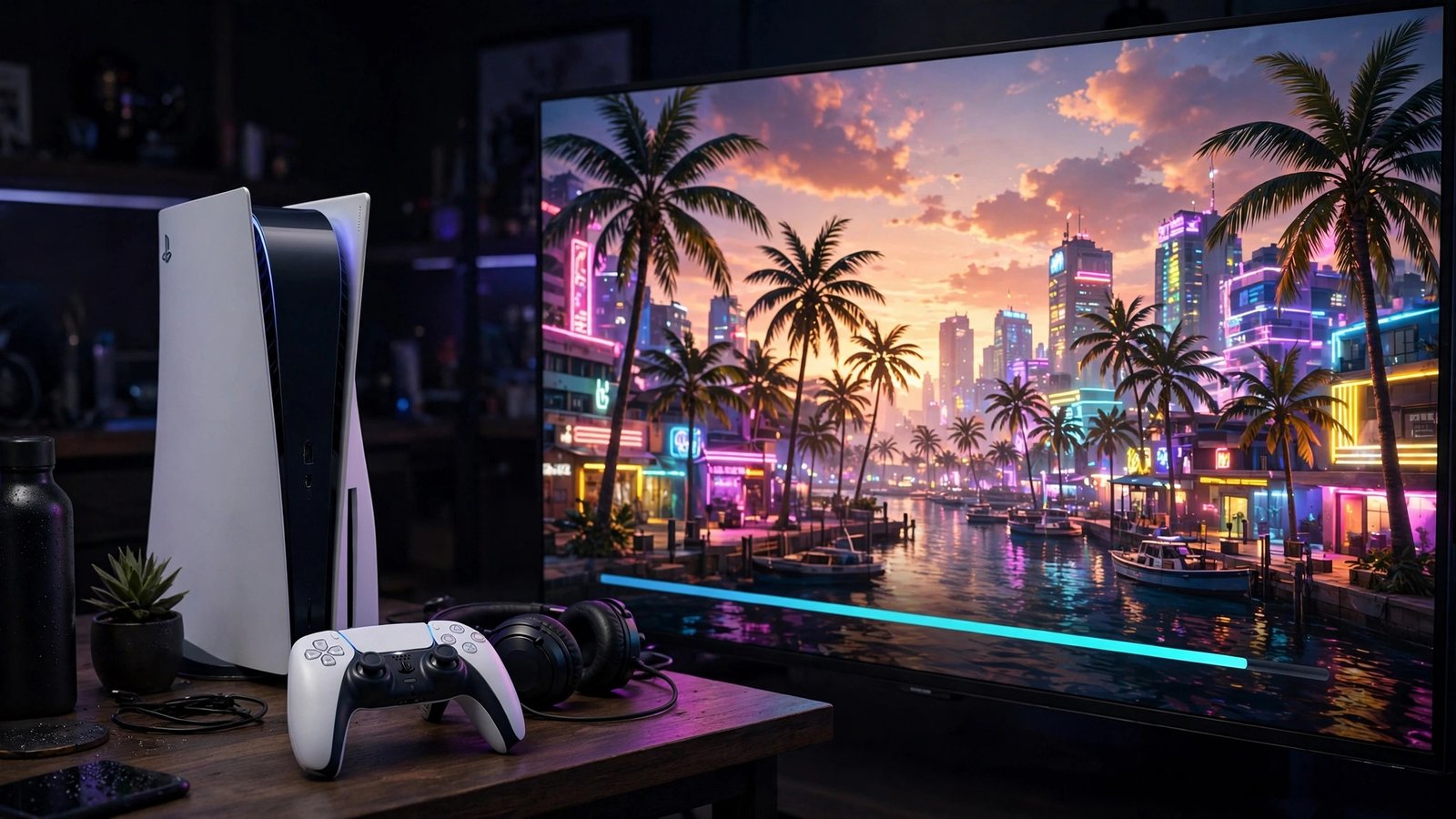
Grand Theft Auto VI pre-load is live — and if you want to play the second it unlocks on November 19, 2026, now is the time to get ready. This guide covers the pre-load start times for PS5 and Xbox, the download size, and the small jobs that make launch night smooth instead of stressful.
Pre-load start times
Pre-loading began on November 10:
- PlayStation 5: midnight local time on November 10.
- Xbox Series X|S: 12 a.m. GMT on November 10.
If you already pre-ordered the digital edition, your console can start downloading right now — the game simply stays locked until launch day. Physical buyers are not left out either: the box contains a download code, and you can redeem it from November 12 and pre-load the same way.
Download size: up to 212 GB
GTA VI is a big download — up to 212 GB. Before you start, check your free space. On PS5, go to Settings → Storage; on Xbox, check My games & apps → Manage. If you are short, delete a game or two you have finished — or move PS5 games you are not playing to USB extended storage to make room. Just remember PS5 games cannot run from a USB drive, so move them back to the internal drive when you want to play them again.
How to pre-load on PS5
Open your game library, find GTA VI, and start the download. The simplest setup is to leave your console in rest mode with automatic downloads on — the download will finish on its own. On a slow connection, start it overnight: a slow connection can take a day or more for 212 GB, so starting early is everything.
How to pre-load on Xbox
The same idea applies: find GTA VI in My games & apps, start the download, and let it run. Make sure your Xbox is set to download updates automatically, so any day-one update is waiting for you too.
What happens on launch day
On November 19, the game unlocks and you play — no download, no waiting, no queue. That is the whole point of pre-loading: launch night is for playing, not for watching a progress bar. If you have not pre-ordered yet, there is still time: GTA VI Standard (Digital) is $71.99 on GamzoPlay, and digital codes are emailed in time for pre-load.
Pre-load checklist
Run through this before you start the download: 1. Free up 212 GB. 2. Plug in a wired connection if you can — it is faster and more stable than Wi-Fi for a download this size. 3. Turn on automatic downloads and rest-mode downloads. 4. Start early — November 10 or 11 beats November 18, when everyone is downloading at once.
Do you need PlayStation Plus or Game Pass to pre-load?
No. Pre-loading only needs the game itself — no subscription is required to download it. You will need PlayStation Plus (Essential or above) or Game Pass Core/Ultimate for online multiplayer once the game is out, but the download and the story mode do not need one.
One last tip: pre-load early. Everybody downloading on November 18 is sharing the same servers — downloading on November 10 or 11 is simply faster.
Tags: GTA VI, Pre-orders, Guides